Copy the original YouTube link.
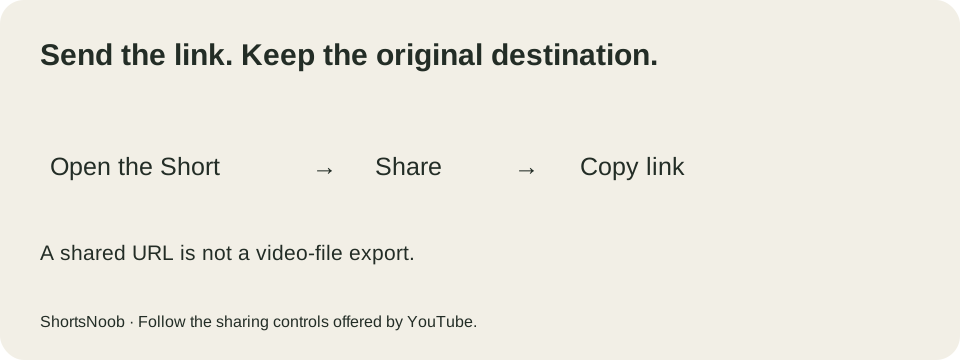
Open the Short you want to share and use YouTube’s Share control. Choose Copy link where available, or use the offered sharing destination. Paste the link into your message and check it leads to the intended upload before sending it.
On a computer, Google’s sharing documentation describes the Share panel and its Copy option. The app may use the operating system’s share sheet instead. You do not need to paste the address into ShortsNoob.
A link does not override access restrictions.
The recipient still needs access to the video on YouTube. If an upload is removed or its visibility changes, an old link may no longer work. Check the destination in the account and viewing environment relevant to the person receiving it.
Do not confuse sending a URL with granting permission to reuse a recording. Sharing points to the existing upload; making a new edit or publication is a different decision.
Would saving be more useful?
For your own reference collection, save the Short to a playlist. For a copy of your own upload, use YouTube Studio or Takeout. If you already have footage to edit, the tool directory compares the next production step.
Official documentation checked 7 September 2026. Interface availability may differ by account, device and location.